

Search
Search retrieves interactions across your organization by matching terms in transcripts, interaction IDs, and metadata. Use search to find specific customer conversations, jump to interactions by ID, and search transcripts.
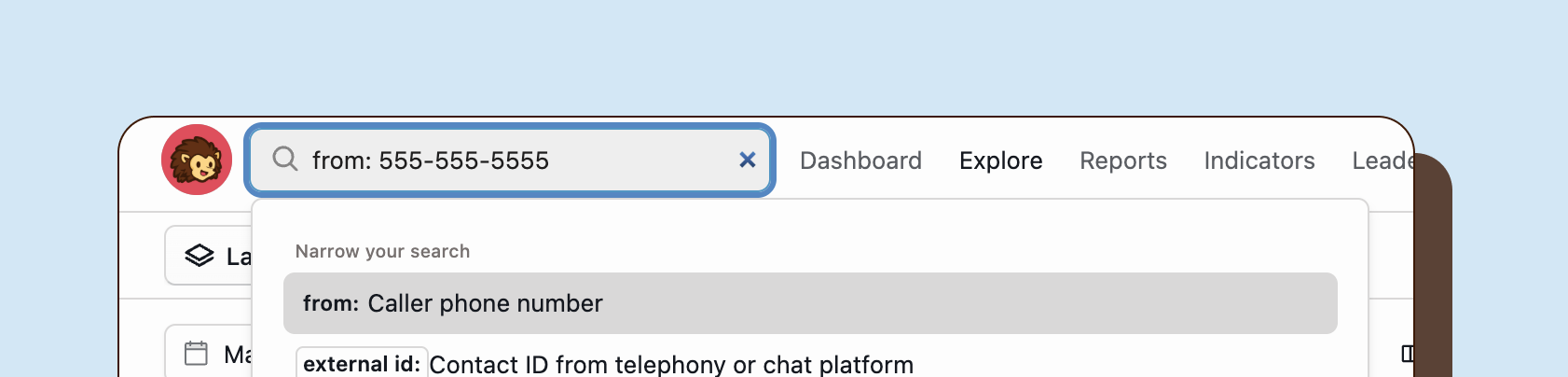
Keyboard shortcuts
Section titled “Keyboard shortcuts”| Shortcut | Action |
|---|---|
/ | Open search from anywhere |
Advanced search
Section titled “Advanced search”Search operators
Section titled “Search operators”Refine searches with operators:
Exact match:
"refund policy"Exclude terms:
refund -exchangeCombining search and filters
Section titled “Combining search and filters”For precise results:
- Open global search (
/). - Enter search terms.
- Apply filters from the filter menu.
- Results match both search and filters.
Jumping to interactions by ID
Section titled “Jumping to interactions by ID”Happitu ID
Section titled “Happitu ID”Enter a Happitu interaction ID to jump directly to that interaction. Happitu IDs are 24-character hexadecimal strings (for example, 507f1f77bcf86cd799439011).
When you enter a valid Happitu ID in the search bar and press Enter, Happitu navigates directly to that interaction’s detail page. This is the fastest way to access a specific interaction when you know its ID.
External ID
Section titled “External ID”Search for interactions using IDs from your third-party systems such as telephony platforms, ticketing systems, or CRMs. These external IDs are attached to interactions during import from integrated systems.
To search by external ID, type external id: followed by the ID value. For example:
external id: TICKET-12345external id: 555-0123external id: CRM-45678Happitu searches across all external identifiers associated with your interactions and navigates to the matching interaction. If multiple interactions share the same external ID, you will see search results to select from.